

Sabbath Events
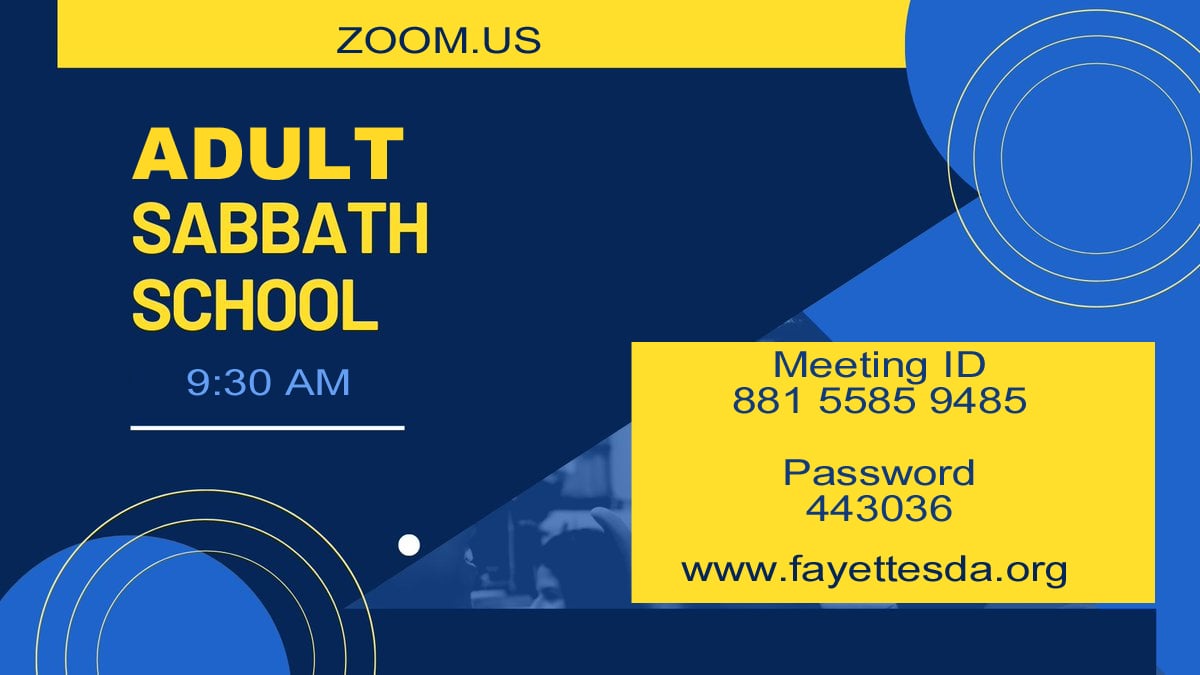
Every Sabbath morning at 9:30 – 11:00 am for Adult and Young Adult Classes. When you join, you will be placed in your respective class room for lesson review after the preliminaries. After Sabbath School ends at 11 am, you can chose to watch the divine service here on Zoom or switch to watching on Youtube.
Meeting ID: 881 5585 9485
Passcode: 443036
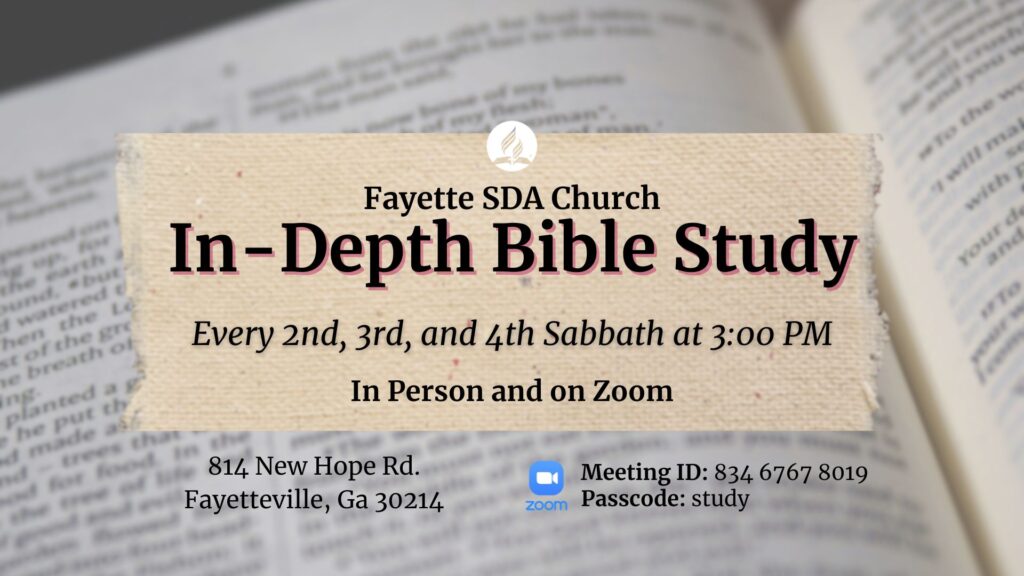
Join us every Sabbath except 1st Sabbath afternoon at 3:00 pm for an in-depth study of the Bible led by the Pastor.
ZOOM ID: 834 6767 8019
Password: study
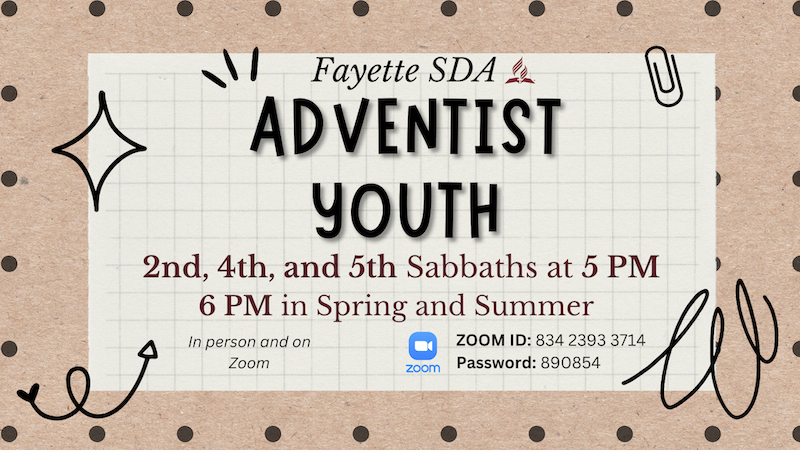
The excitement never ends as you share in our Adventist Youth meeting.
ZOOM ID: 834 2393 3714
Password: 890854
Week Day/Other Special Events
Wednesday night Prayer & Praise meetings and other special/occasional meetings occurring on weekday(s).
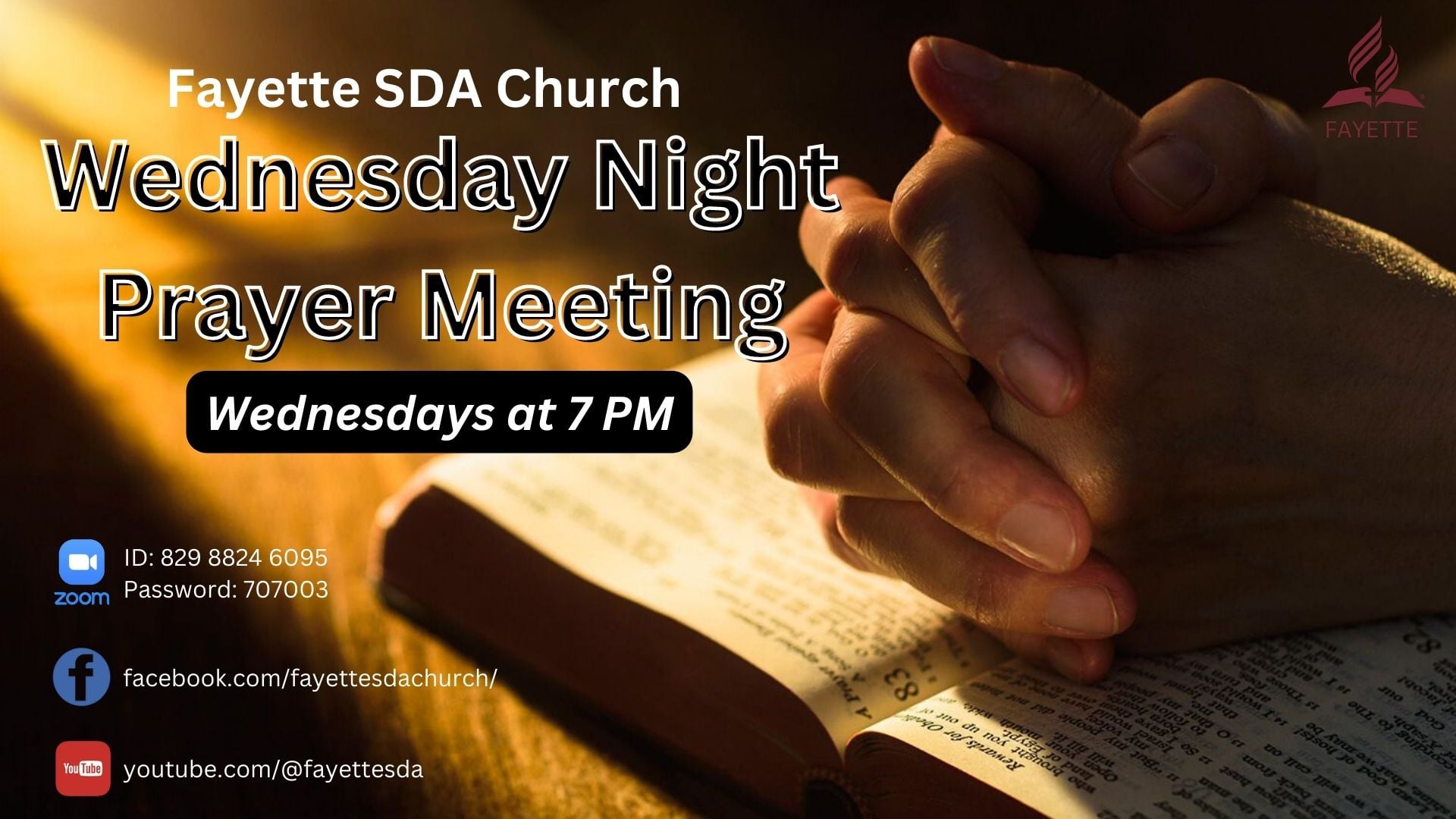
Wednesday night at 7:00 pm. Join us as we commune with God through study, testimony and prayer.
Zoom ID: 829 8824 6095
Password: 707003
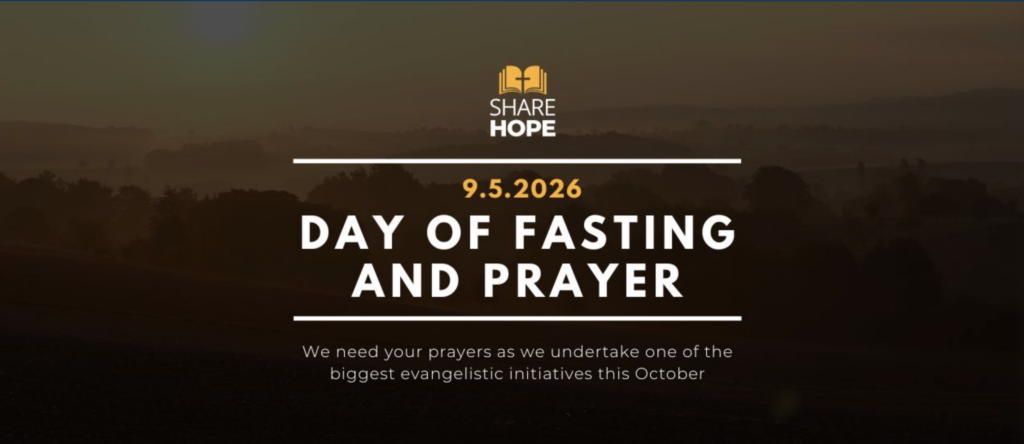
Join us Friday, September 4, and Sabbath September 5 at 7 PM for Prayer and Fasting as we prepare for our upcoming evangelistic series.
Zoom ID: 829 8824 6095
Password: 707003

Use for non-scheduled or pop-up meetings that do not require specific invitation.
ZOOM ID: 856 8235 8879
Passcode: 506870
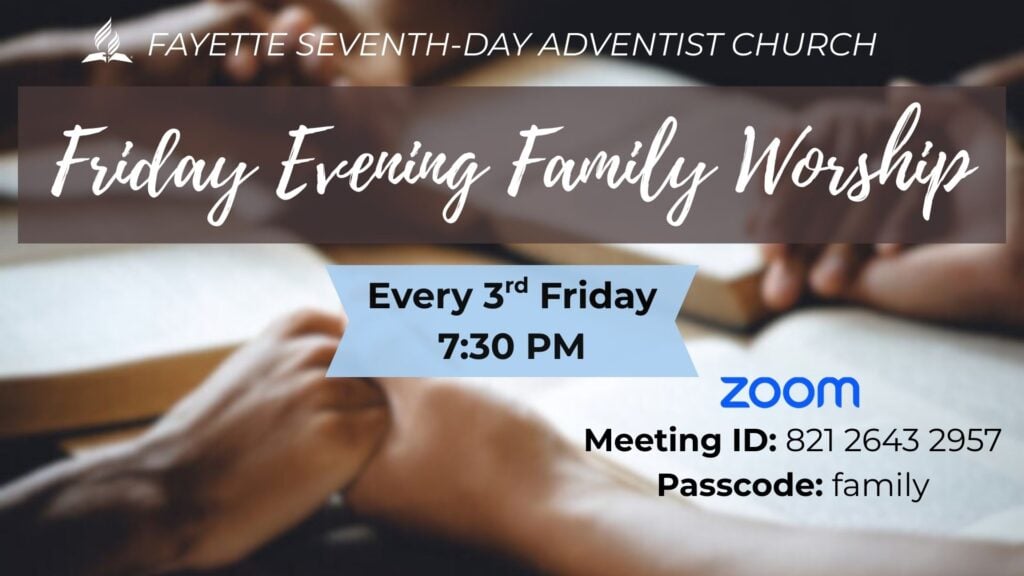
Join us every 3rd Friday evening from 7:30-8:30 PM for Family Worship. We will be meeting solely on zoom.
Meeting ID: 821 2643 2957 Passcode: family

Click link above to join the study slot you signed up for. Please add your study time to your calendar so you can be reminded.
Meeting ID: 822 7122 9988
Passcode: 219434
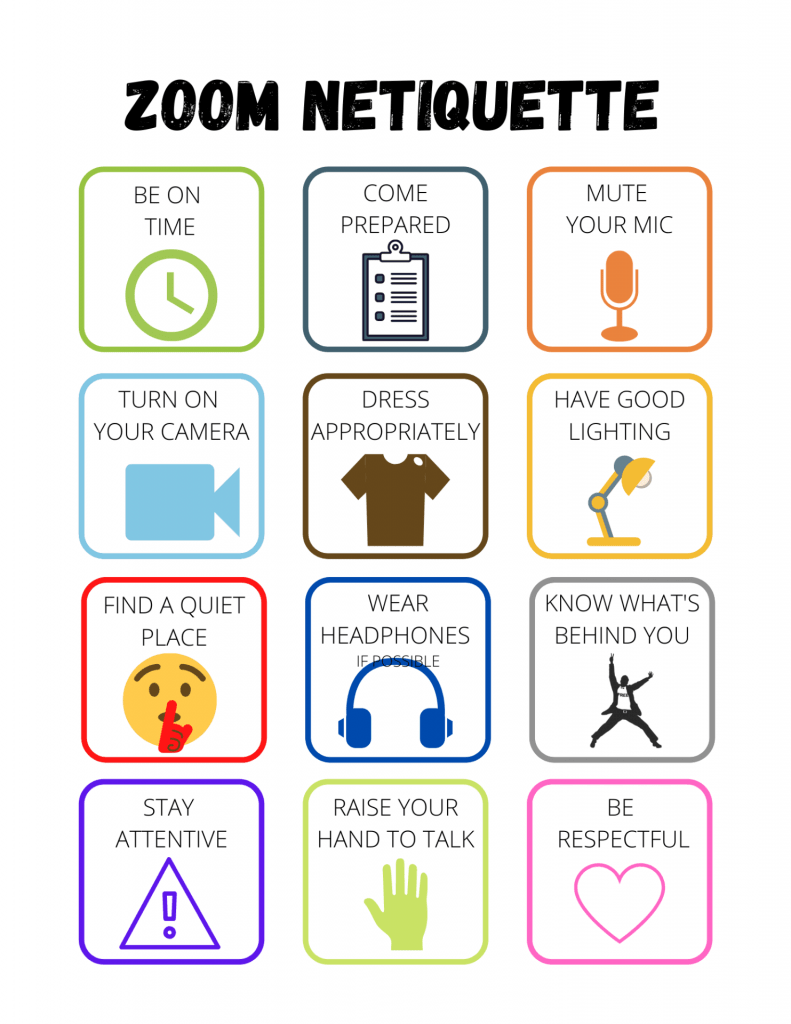
Meeting Etiquette
Please Read our Zoom Meeting etiquette:
1. Sign in to the meeting with a recognizable name (not “iPad, Galaxy, etc.) or identify yourself in the chat when you sign in.
2. Dress appropriately (do not show nudity nor otherwise offensive images).
3. Eliminate distracting background sounds or keep your microphone muted when not actively speaking in the meeting.
4. If using your camera,
- a. position yourself with light source in front or to the side to eliminate shadows on your image.
- b. Fill the screen with portrait view of yourself (hint: imitate the TV journalists reading the news)
- Have a clean, neat background or use a church approved or church sponsored virtual background.; Refrain from using non-church branded background (note: copyright, promotional confusion, etc. issues when you use branded virtual backgrounds)
5. If selected to speak, remember to refrain from inappropriate words and expressions. Turn your camera on when speaking.
Please note that we may be forced to mute microphones and/or turn off cameras or remove persons from the meeting for failing to follow these etiquette guidelines.